If you want to save money on technology, you know that buying brand new is a mistake.
But when you browse Amazon, eBay, or Best Buy, the terminology is confusing. You see “Renewed,” “Refurbished,” “Open Box,” “Pre-Owned,” and “Used.”
Are they the same thing? Absolutely not.
One of these labels means “Brand new device with a damaged box.” Another label means “This device was broken, and we tried to fix it.” Another label means “Some guy named Steve used this in his bathroom for 3 years.”
If you don’t know the difference, you can lose hundreds of dollars on a lemon. Here is my definitive guide to decoding these labels, so you can snag a Smart Price without getting scammed.
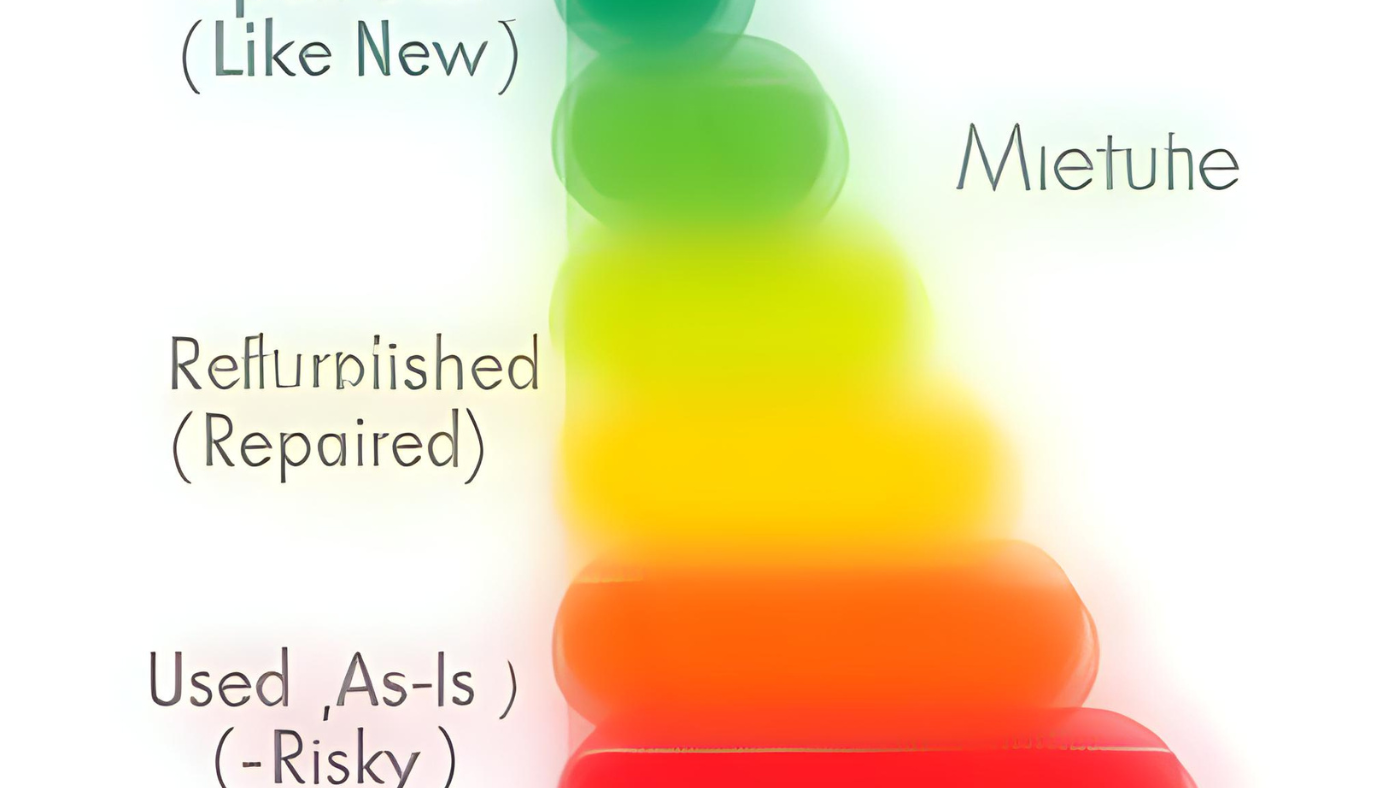
1. The “Safety Tier List” (Best to Worst)
Not all non-new items are created equal. I rank them by safety and value.
Tier 1: “Open Box” (The Holy Grail)
-
What it is: A customer bought it, opened the package, decided they didn’t like the color (or didn’t need it), and returned it within 14 days.
-
Condition: Basically brand new. The plastic wrap might be missing, or the box might be ripped.
-
Battery Health: 100%.
-
Warranty: Often keeps the original manufacturer warranty.
-
Verdict: BUY IMMEDIATELY. This is the smartest way to shop. You get a new product for 15-20% off just because the seal was broken.
Tier 2: “Manufacturer Refurbished”
-
What it is: The device had a defect, was sent back to the original factory (e.g., Apple, Dell, Dyson), and was fixed by official engineers using official parts.
-
Condition: Like new. Usually gets a new outer shell and new battery.
-
Verdict: Safe. It often comes with a 1-year warranty. It is pricier than “Used,” but safer.
Tier 3: “Seller Refurbished” (Amazon Renewed / eBay Refurbished)
-
What it is: A third-party company (not the manufacturer) cleaned it up and tested it.
-
Condition: A gamble. It might have a generic screen replacement or a scratch on the back.
-
Verdict: Okay, IF there is a return policy. Amazon Renewed offers a 90-day return window. Use that window to test it thoroughly.
Tier 4: “Used” / “Pre-Owned”
-
What it is: Sold “As Is.” No repairs were done.
-
Verdict: High Risk. Only buy this if you can see photos of the actual item (not stock photos) and if the seller has a 99% positive rating.
2. The “Do Not Buy Used” List
While I love buying used tech, there are three items I never buy used, no matter how cheap they are.
1. Hard Disk Drives (HDD) Mechanical hard drives have moving parts. If the previous owner dropped it once, the needle could be damaged, and it will fail in 3 months. Data is too precious to risk. Always buy storage new (or stick to SSDs, which are safer).
2. Earbuds / Headphones This is a hygiene issue. Earwax is hard to clean out of speaker grilles. Plus, tiny earbud batteries degrade fast. A 2-year-old pair of AirPods might only hold a charge for 30 minutes. (Refer to my Audio Economics article for more on this).
3. OLED TVs OLED screens suffer from “Burn In.” If the previous owner watched CNN or played Fortnite for 8 hours a day, the logos might be permanently burned into the screen. Unless you can turn it on and run a color test in person, avoid used OLEDs.
3. How to Inspect a Refurbished Device (The 15-Minute Test)
When your “Renewed” iPhone or Laptop arrives, do not just start using it. You must audit it. You usually have 14 to 90 days to return it.
Step 1: The Battery Health Check
-
Phone: Go to Settings > Battery > Battery Health. If it is below 85%, return it. It will die too fast.
-
Laptop: Open Command Prompt (Windows) and type
powercfg /batteryreport. If the “Full Charge Capacity” is significantly lower than “Design Capacity,” return it.
Step 2: The Port Check
-
Plug a charger into the port. Wiggle it gently. Does it stop charging? If yes, the port is loose. Return it.
-
Test the headphone jack and all USB ports.
Step 3: The “Dead Pixel” Test
-
Go to a website like DeadPixelTest.org. It flashes solid colors (Red, Green, Blue, White) on your screen.
-
Look closely for any tiny black dots (dead pixels) or bright white spots (pressure damage).
4. Where to Buy? (Trusted Marketplaces)
Not all websites are safe. Here is my ranking of where to look for Smart Prices.
-
eBay Certified Refurbished: (Best Value). They include a 1-2 year warranty provided by Allstate. This is very safe.
-
Amazon Renewed: (Easiest Returns). If you don’t like it, you can just drop it off at Whole Foods or UPS.
-
Back Market: (Specialist). They specialize in refurbished tech. Their quality grading (Fair, Good, Excellent) is usually accurate.
-
Best Buy Outlet: (Best for Open Box). You can often go to the physical store and see the item before you buy it.
Conclusion: The “Grade A” Strategy
Buying refurbished is the ultimate “Smart Price” hack. I am currently writing this article on a Refurbished MacBook Air that I bought for $750 (Retail Price: $1,100). It looked brand new, had 2 battery cycles, and has worked perfectly for 3 years.
The secret is to ignore the word “Used” and hunt for “Open Box” or “Grade A Refurbished.” You let someone else pay the “Depreciation Tax” of unboxing the item, and you swoop in to pick up the brand-new device for a 20% discount.